Starting a game with AI is easy.
Finishing it is the hard part.
A few weeks in, you lose sight of where things stand, the design doc and the code stop matching, and you repeat the mistakes from your last game. gamedev-kit lets you build while seeing all of it.
Four things that get a game finished
You decide — the CEO coordinates the rest
Proposing the next goal, running several cycles at once, keeping the builds in order — all the work is coordinated by the CEO. Whatever needs a call reaches your dashboard as a question, and answering it is all you do.
- Goal
- Spec
- Design
- Plan
- Build
- Play
- Goal
- Spec
- Design
- Plan
- Build
- Play
- Goal
- Spec
- Design
- Plan
- Build
- Play
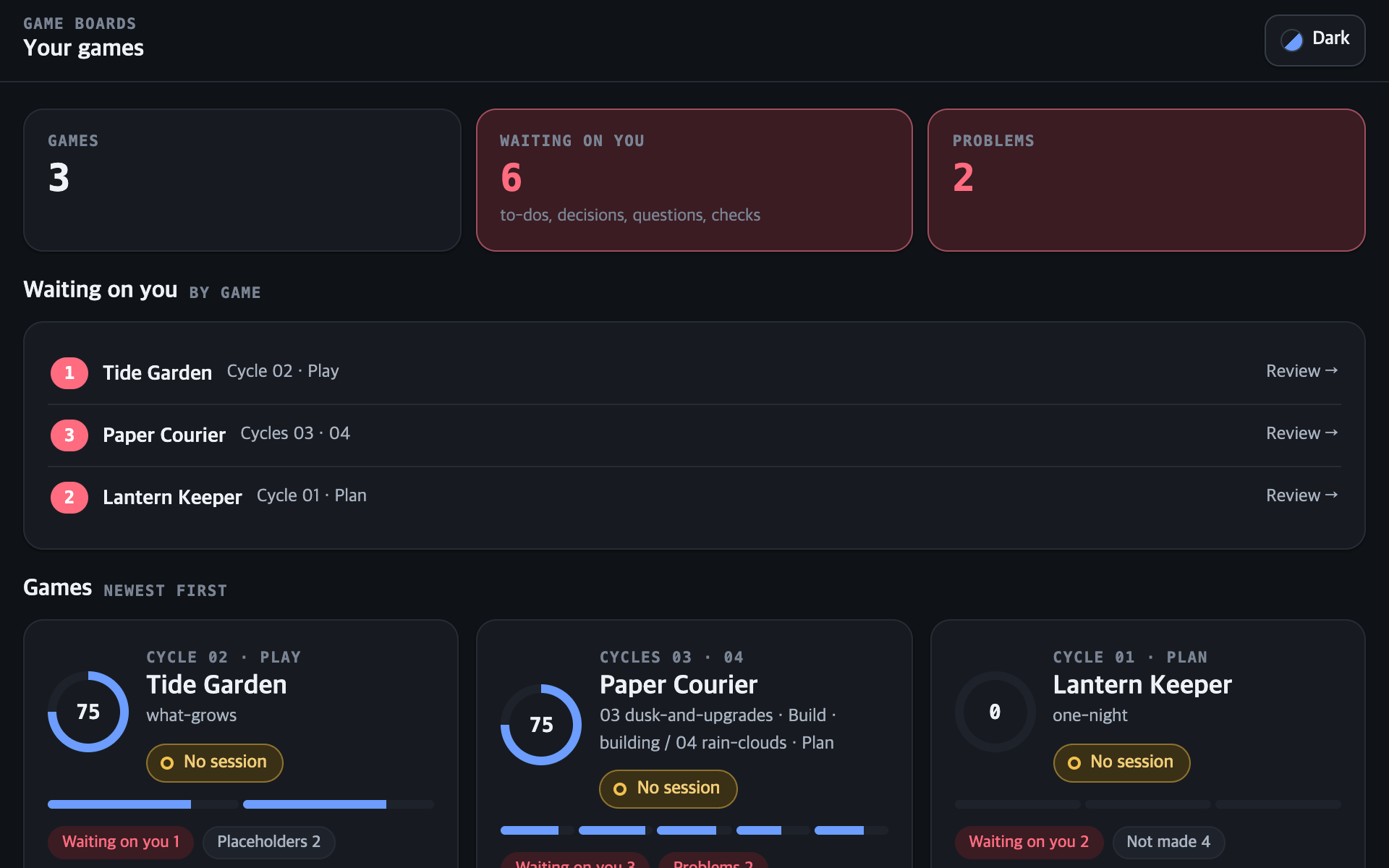
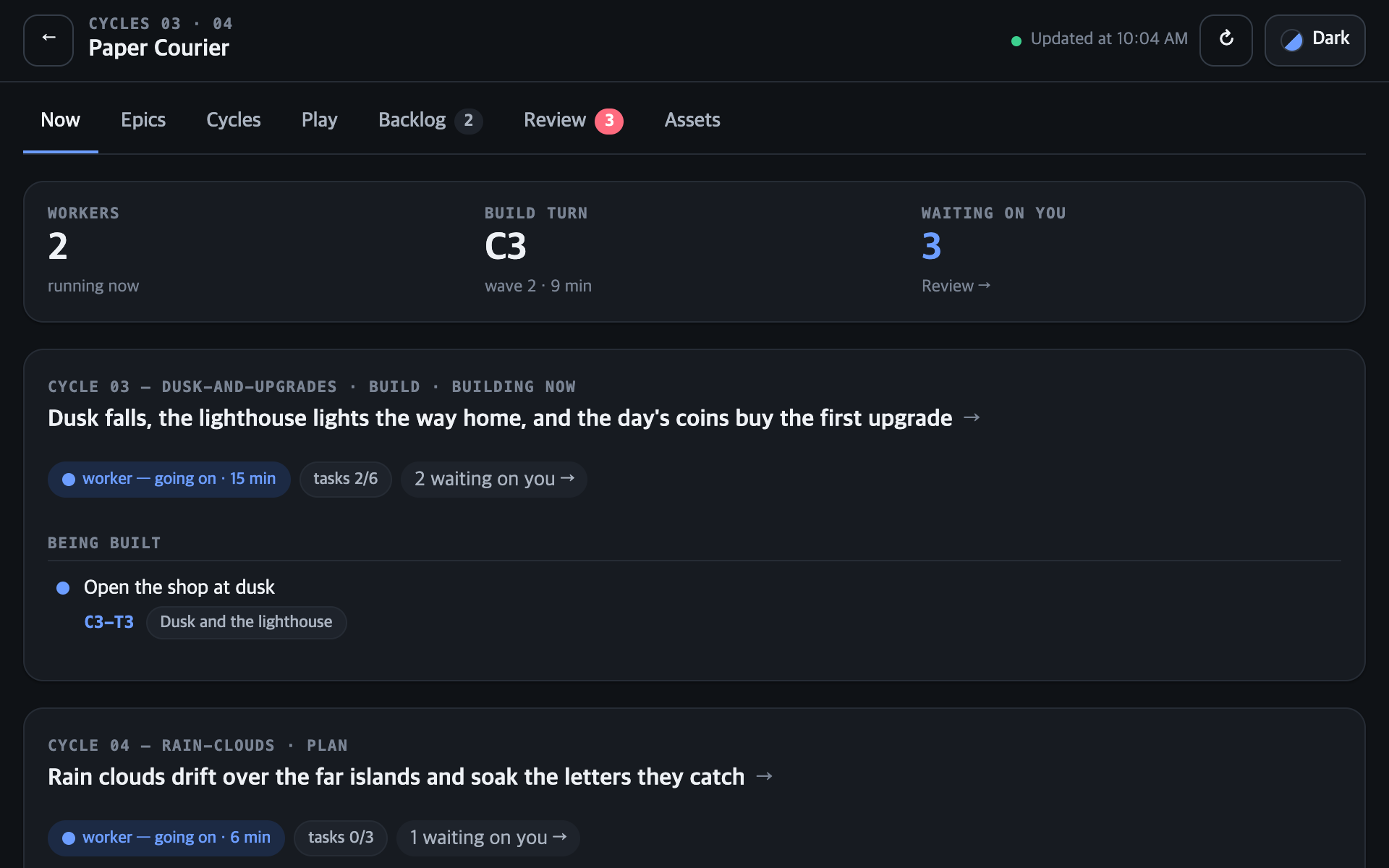
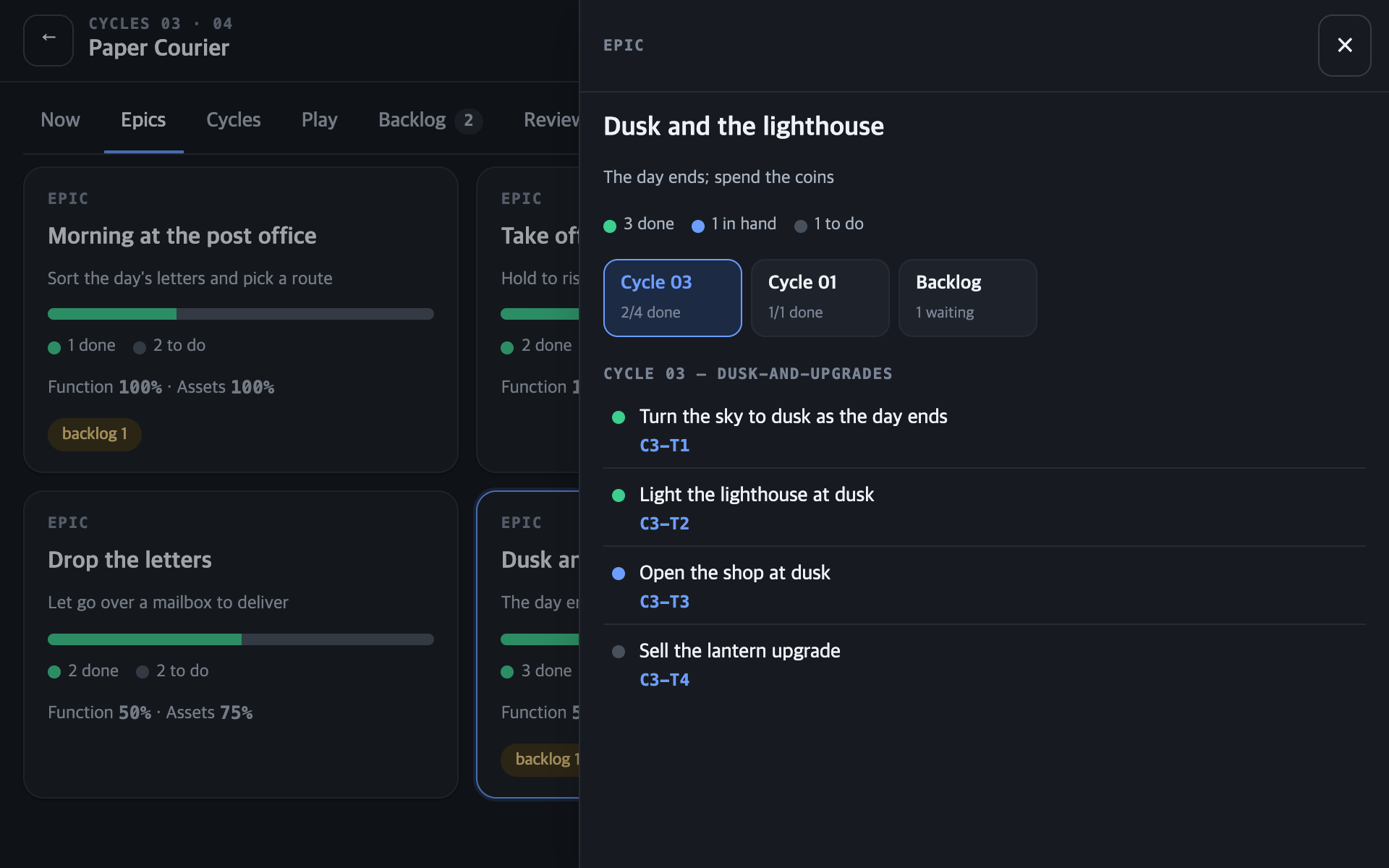
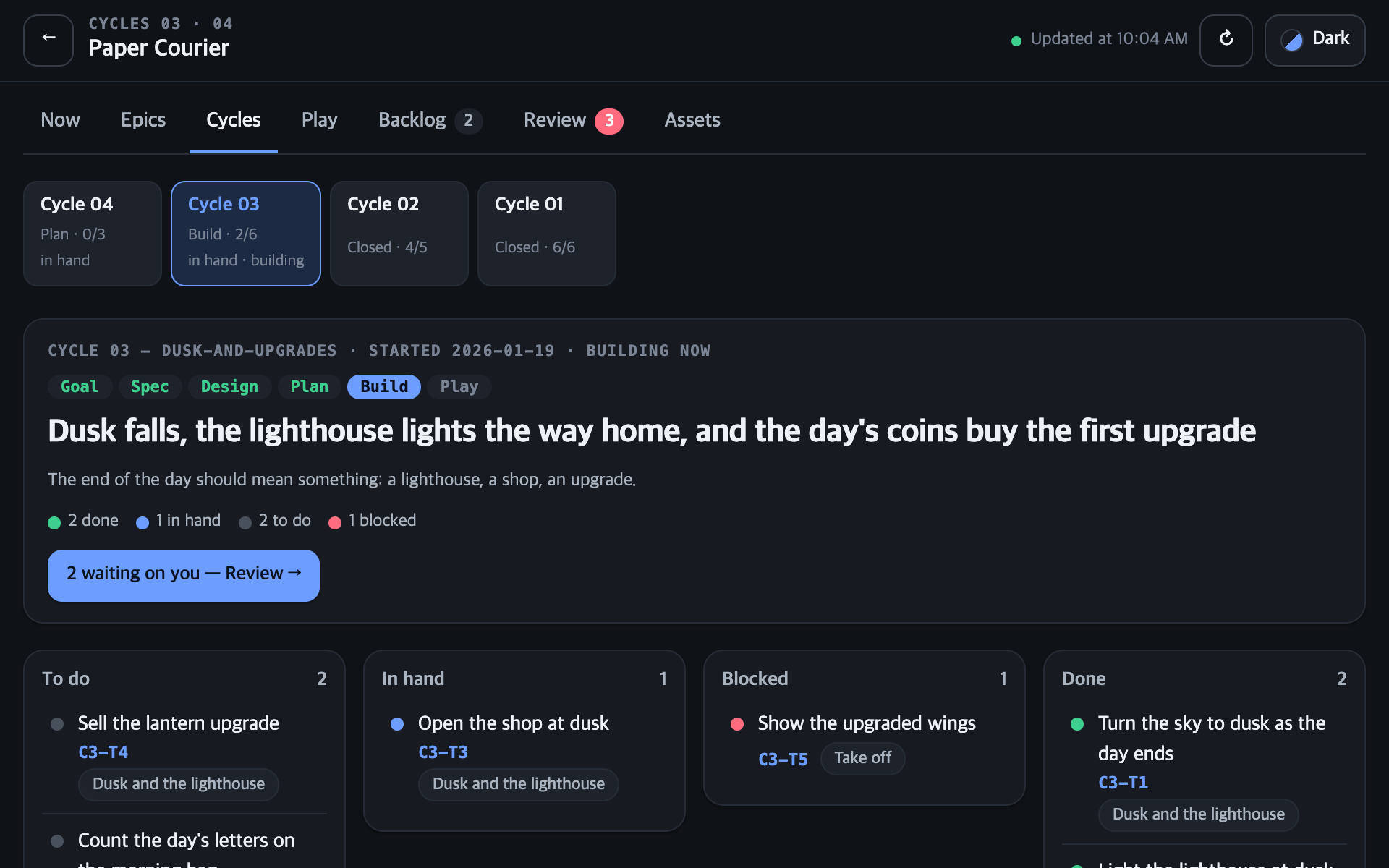
See it all, decide on the spot
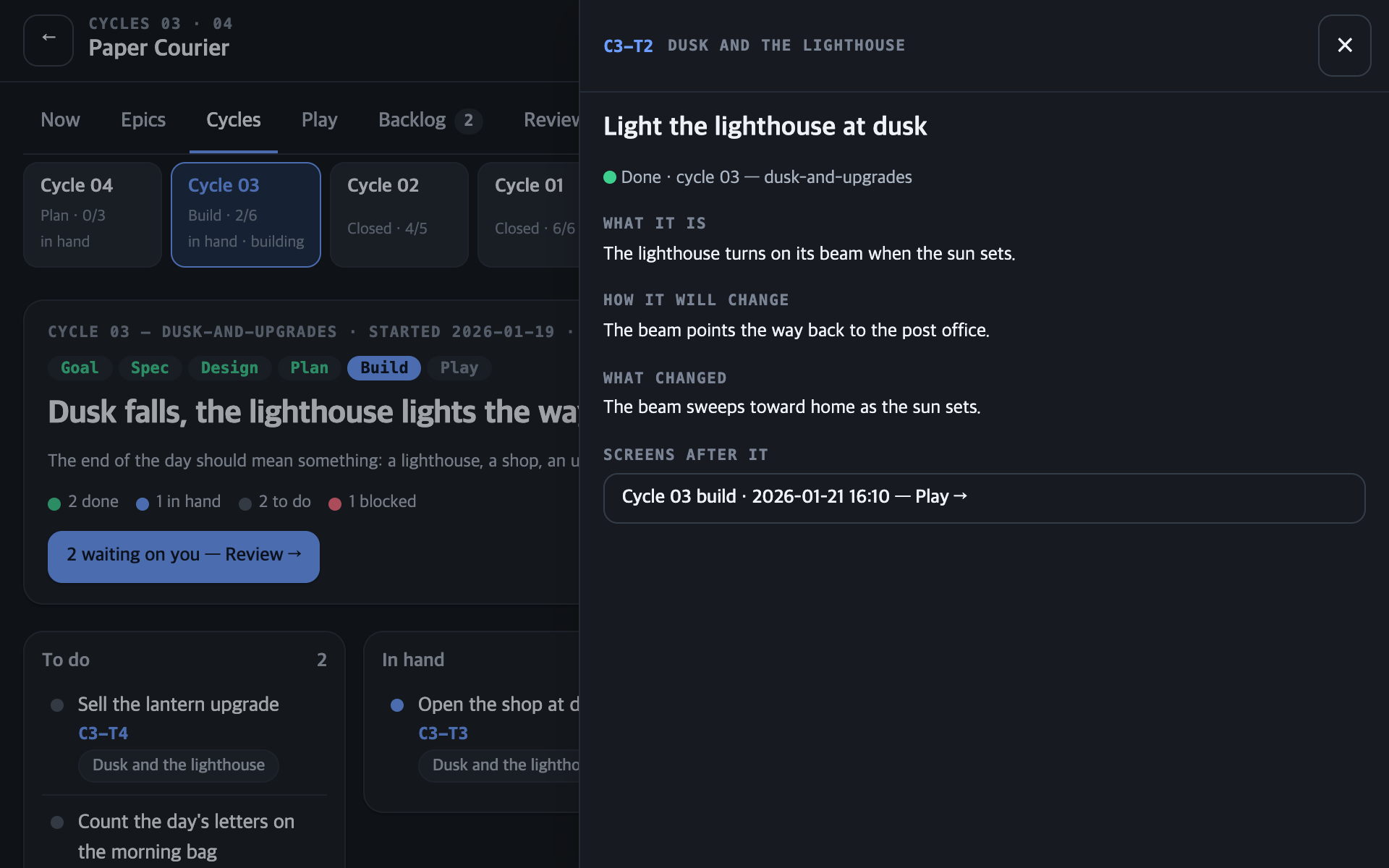
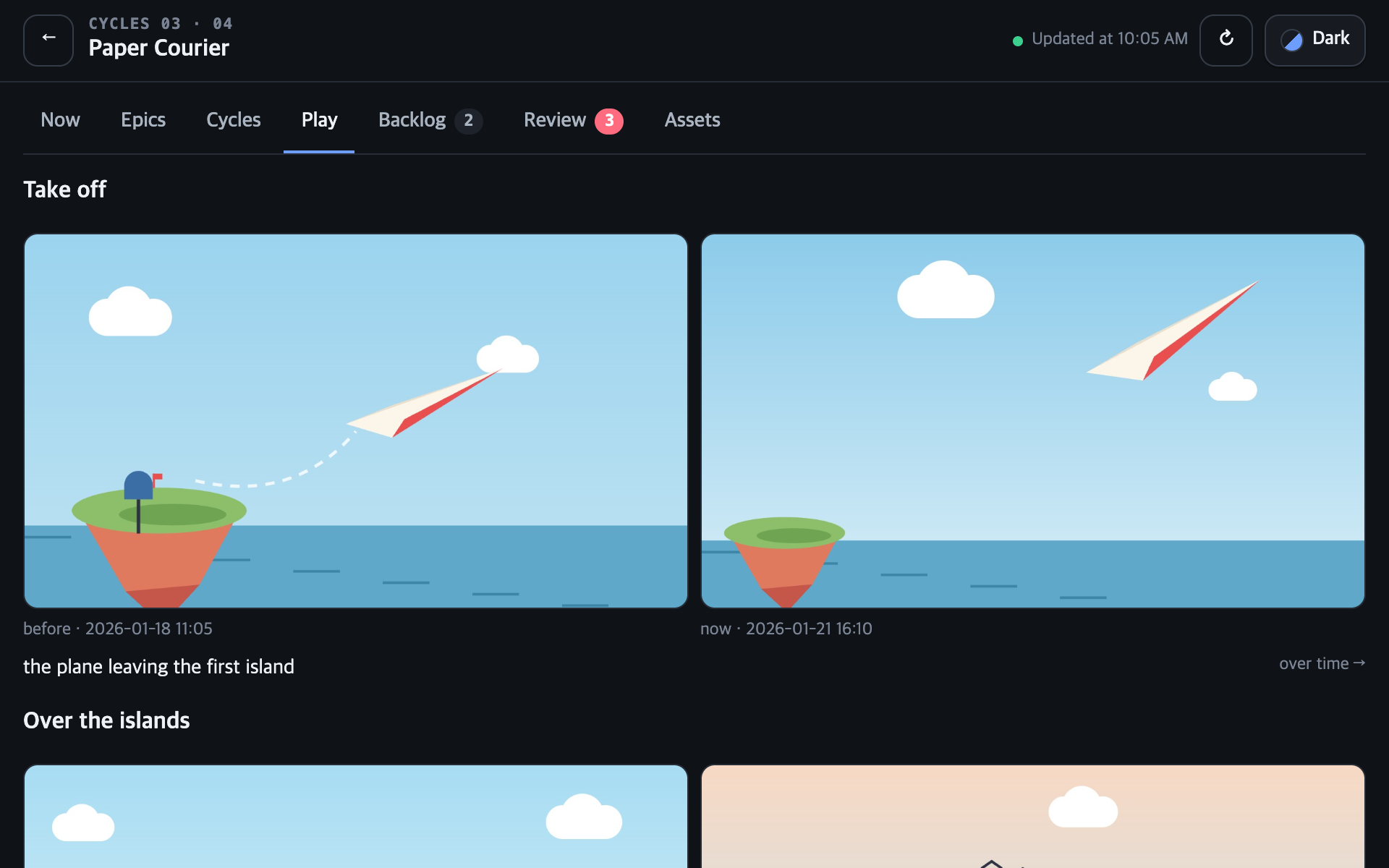
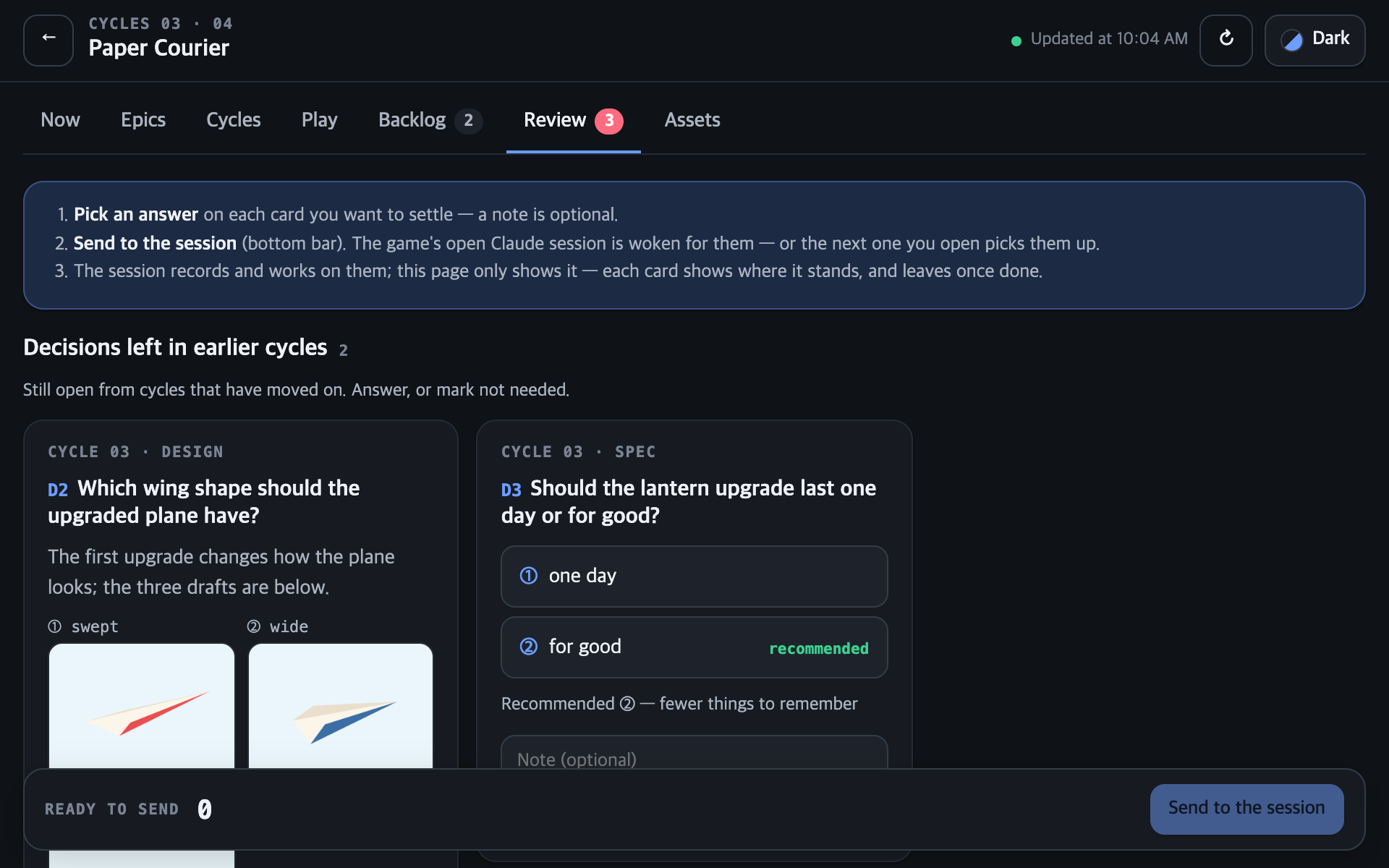
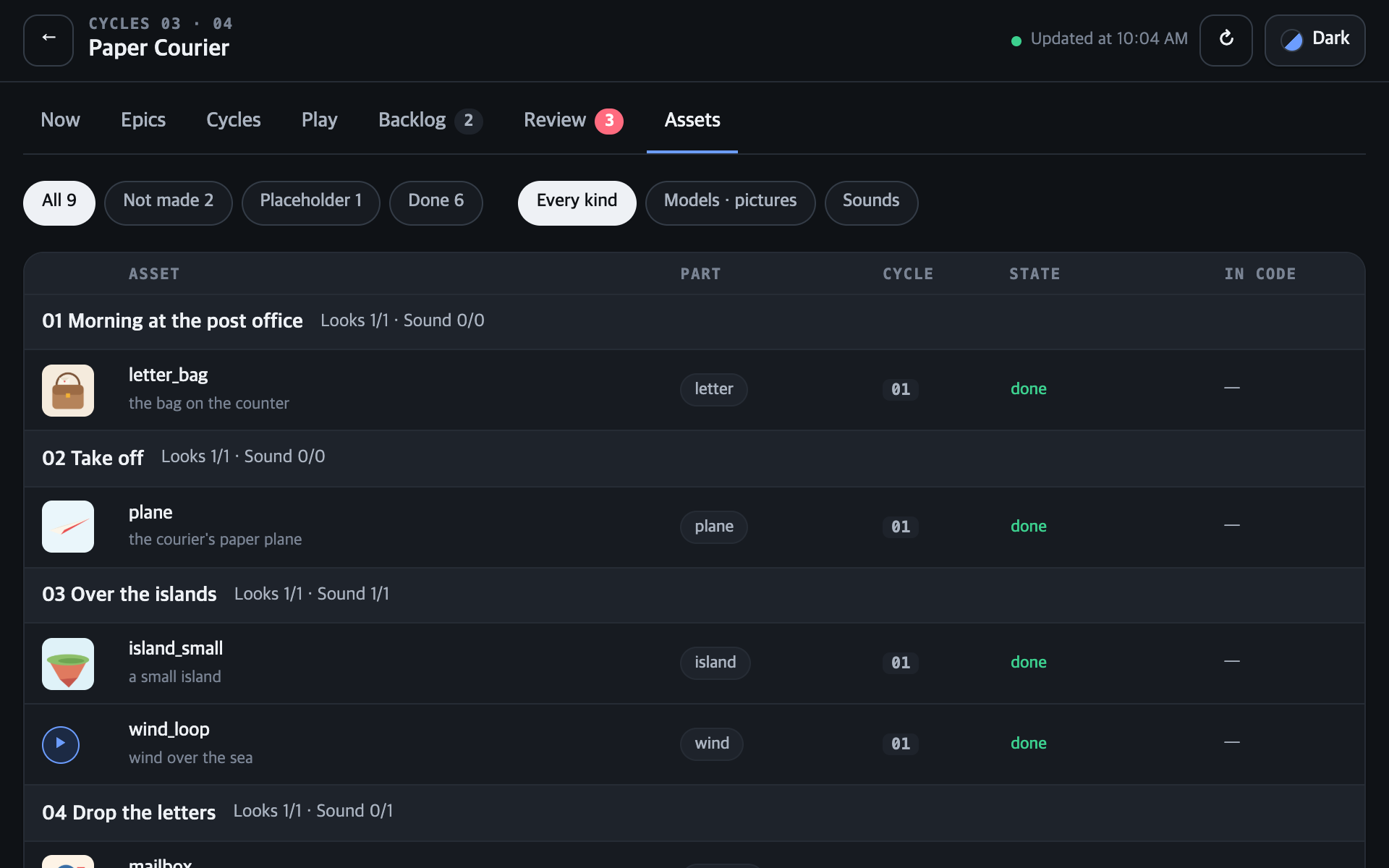
Every game's progress lands on one dashboard. Each part of the game is an epic with its tasks laid out by cycle, and every question from the agents arrives as a card with pictures to compare. Pick an answer and Claude carries on.
The doc and the code always match
Every number and rule in the design doc gets an ID, and the code carries the same ID. When the two disagree or something isn't built yet, the kit catches it — say which side is right and it fixes the other. Balance numbers live on one spreadsheet you can read and edit.
BAL.BAG.CAPACITY3~5syncedBAL.FALL.PENALTY4mismatchRULE.CLIFF—missingBAG_CAPACITY = 4// GDD: BAL.BAG.CAPACITYFALL_PENALTY = 6// GDD: BAL.FALL.PENALTYgdd-sync finds the gaps and closes them.What one game teaches, the next one remembers
The problems you ran into while making a game, and how you solved them, are kept as short rules of your own and applied automatically from your next game on. Send them to the kit if you like — problems many people ran into the same way become everyone's defaults.
- Test touch on a real phone
- Keep balance numbers in one file
- Test touch on a real phone
- Keep balance numbers in one file
- HUD text at 32 px or more
- Start sound after the first tap
- Test touch on a real phone
- Keep balance numbers in one file
- HUD text at 32 px or more
- Start sound after the first tap
- Save before the scene changes
- Check build size before upload
Two lines to install. The rest is just talking.
What you need
- Claude Code — where the kit runs
- Python — 3.9 or later
- Node.js — to run the dashboard
- Engine editor — for the engine you want to make your game with
Install in your game's folder
An empty folder works.
claude plugin marketplace add dudwns0921/claude-gamedev-kit
claude plugin install gamedev-kit@claude-gamedev-kit --scope projectOpen Claude Code and just ask
No commands to memorize.
- you say“I want to make a cozy farming game”→ Asks where it'll be played, picks the engine, sets up the project, writes the design doc with you, then hands the first goal to the CEO
- you say“Let's add a shop this time”→ Runs one cycle from spec to build and sends your decisions to the dashboard
- you say“Run it for me”→ The CEO coordinates the cycles, several at once; only what's yours to decide reaches you
- you say“I played it — the prices are hard to read”→ Finds the cause and fixes it
See it, and you finish it.
Where you are and what to decide next are always in front of you — from the first idea to release.